On-brand video from one prompt
To start, write a prompt and add context: share a doc, deck, YouTube link, or any video you love. Syren will create a video for you in minutes. Try it free.



Examples
How Syren works
Syren learns your brand identity from your existing videos, then applies the exact same colors, graphic style, type, and rhythm of the edit.
1. Build a Brand Kit
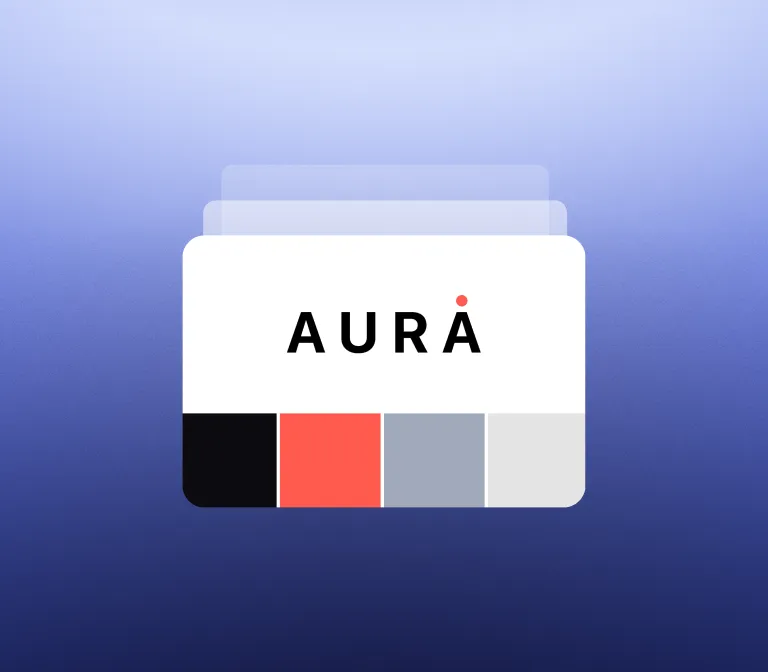
Brand Kit learns from your existing videos, capturing your colors, typography, animation style, and pacing.
2. Describe the video
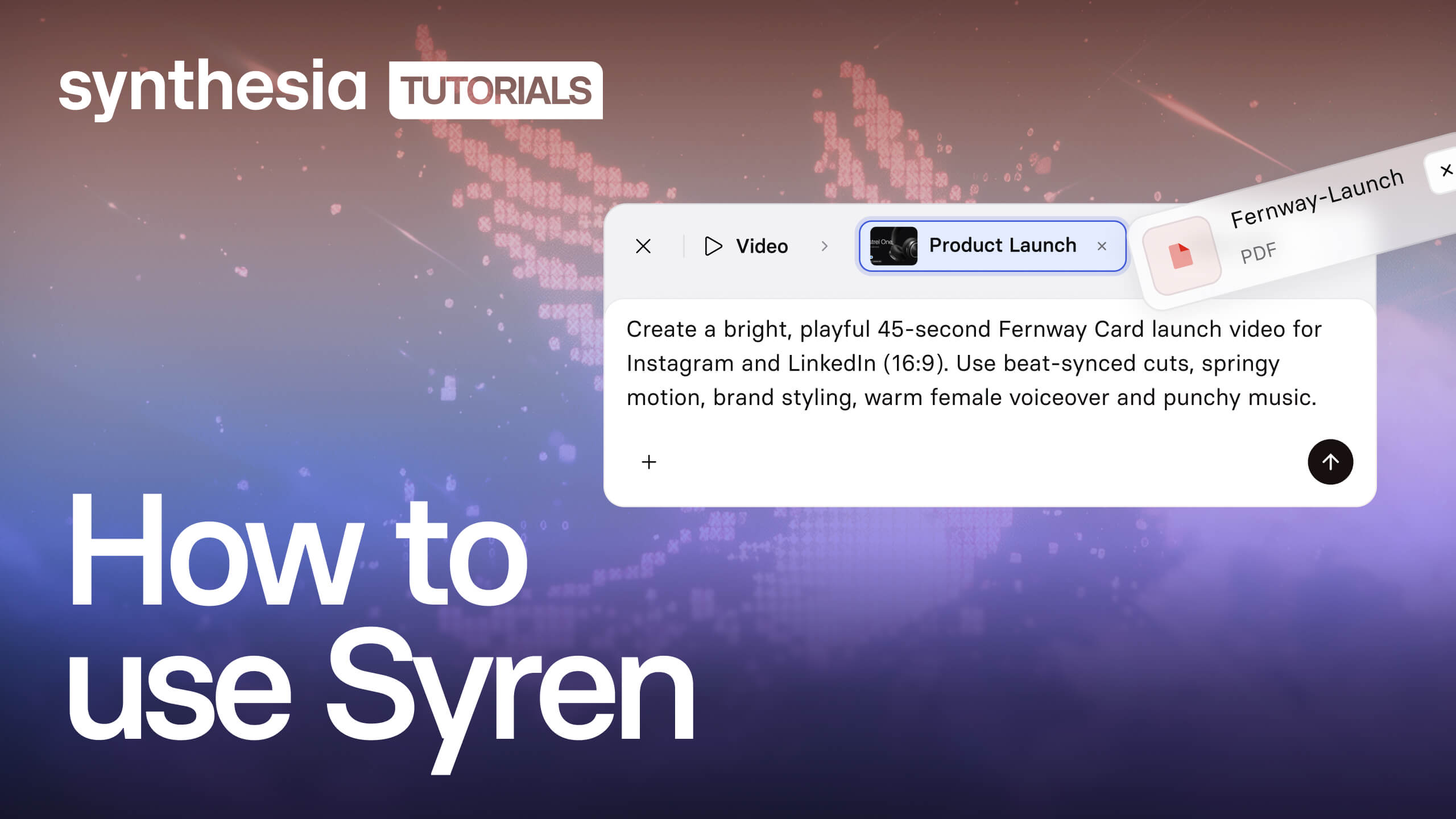
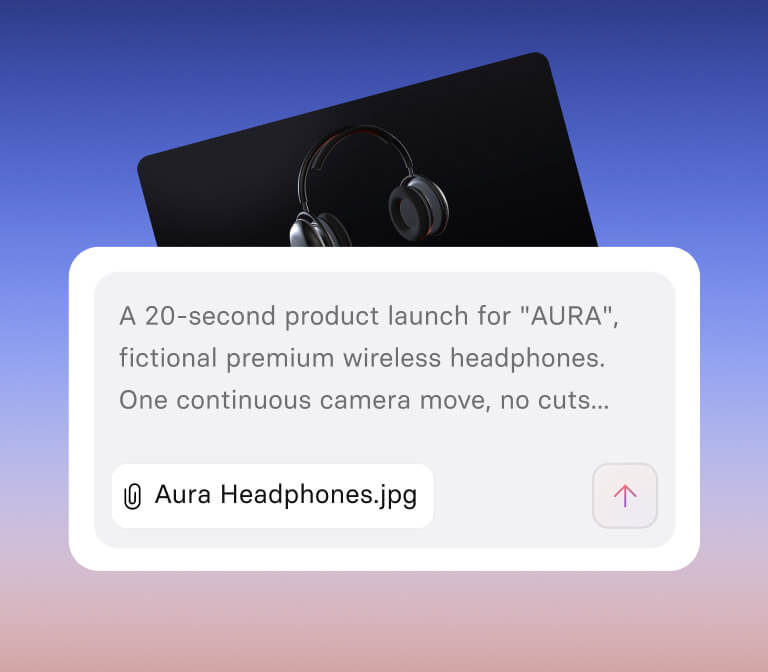
Type a prompt, add images or a file, or pick a quick-start use case. One simple chat does the rest.
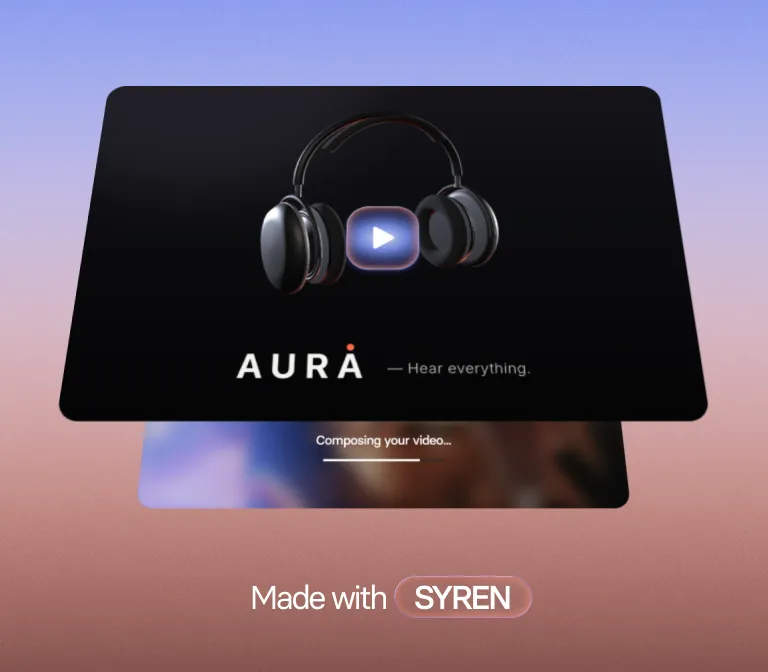
3. Get an on-brand video
Syren creates your video with motion graphics, 3D, voiceover, music, and avatars. Refine it in chat.
Frequently asked questions
What is Syren?
Syren is Synthesia's AI video agent for fast, creative video. You describe the video you want, and Syren writes it as code and renders it live in front of you. You get a finished, studio-quality video in one shot, then refine it by chatting with the agent instead of building each scene by hand.
How do I create a video with Syren?
Describe the video in your own words or start from a preset. You can add docs, images, videos, PowerPoints, or YouTube links to give Syren more to work with. Syren builds the video while you watch. Then you can ask it in chat to change the script, swap the avatar or voice, or restyle a scene. You don't need design or editing skills.
Is Syren free to try?
Yes, you can make your first Syren video for free. When you sign up, you get free launch credits for one video (fair usage caps apply), and they're valid for one month. Videos on the free plan include a watermark.
How many credits does a Syren video use?
A two-minute video with up to two rounds of edits typically uses 1,000 to 2,000 credits. Actual usage depends on how long and complex your video is and how much you refine it. Syren uses your launch credits first, then your account's standard credits.
What kinds of videos is Syren best for?
Syren works best when you want creative, designed output fast. Good examples are product launch videos, explainers, how-tos, feature walkthroughs, marketing content, and ads. It handles motion graphics, pacing, and visual style that would normally need a designer.
Can I use my own brand in Syren videos?
Yes. Syren applies a baseline brand using your own colors, so your videos look like yours from the first draft. Full custom brand kits with typography, animation styles, and more are coming soon.
Can I use Syren videos commercially, and who owns them?
Yes, you can use Syren videos for commercial projects like marketing, product launches, and ads. You own the videos you create with Syren, just as you do with any video you make on Synthesia. Make sure you have the rights to anything you upload, such as images, footage, or other brands' logos.
Can I use my own Avatar or voice in Syren videos?
Syren videos can include Synthesia's realistic AI Avatars and voices, and you can swap them at any time by asking in chat. To use your own Personal Avatar or cloned voice, create your video in Synthesia Studio.
How long can a Syren video be, and what formats are supported?
Syren videos can be up to three minutes long, in landscape (horizontal) or portrait (vertical). Landscape suits websites and presentations. Portrait suits mobile and social feeds.
How is Syren different from Synthesia Studio?
Both are part of Synthesia, built for different jobs. Syren is prompt-driven and made for speed and creativity. Studio is Synthesia's AI video generator for content where the message has to be exact and repeatable, like training, compliance, onboarding, and internal communications. In Studio you control every script line and scene, and you can update and localize at scale.
Is Syren still in beta?
Yes, Syren launches with a Beta label, and new features are on the way. Expect fast updates, including custom brand kits and more export options. If something doesn't look right, ask Syren in chat to fix it. For the best results, start with a clear prompt and refine from there.