AI French accent generator
Generate natural-sounding voiceovers with authentic French voices using Synthesia’s French text-to-speech voiceover generator, with no microphones, voice actors, or recordings needed.
Trusted by over 50,000 companies






French text-to-speech voiceover generator
Convert written French into natural-sounding voiceovers in minutes. Generate smooth, professional audio with AI voices designed for clarity and accuracy.
Create French voiceovers instantly


- Generate French audio for training, marketing, support, and more
- Switch between French and 160+ other languages in seconds
- Adjust tone, speed, and delivery to match your message
Effortlessly clone your voice


- Keep your voiceovers consistent across all videos and teams
- Edit scripts anytime without re-recording audio
- Produce content faster with AI-powered text-to-speech
Turn French scripts into videos
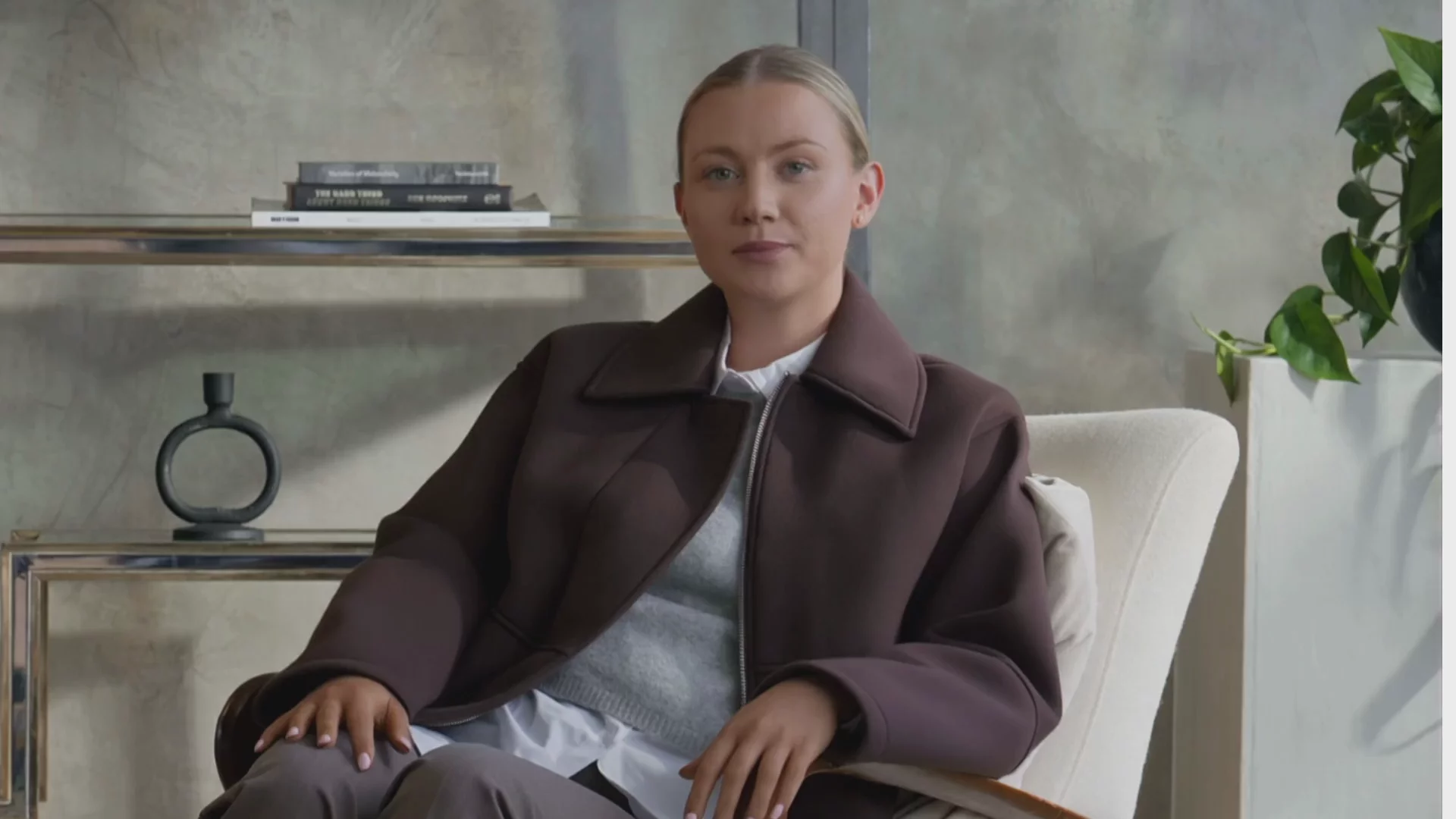
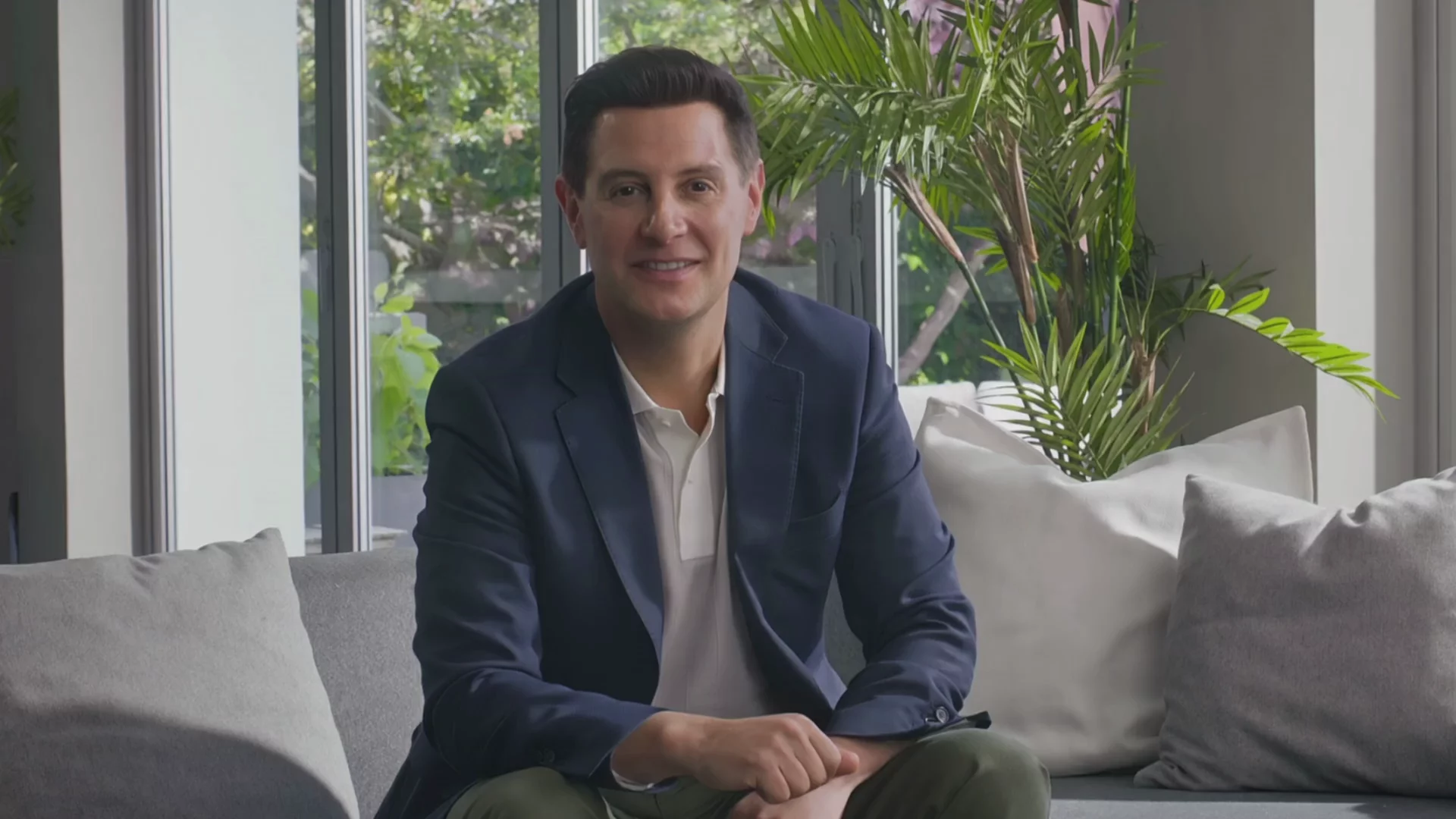
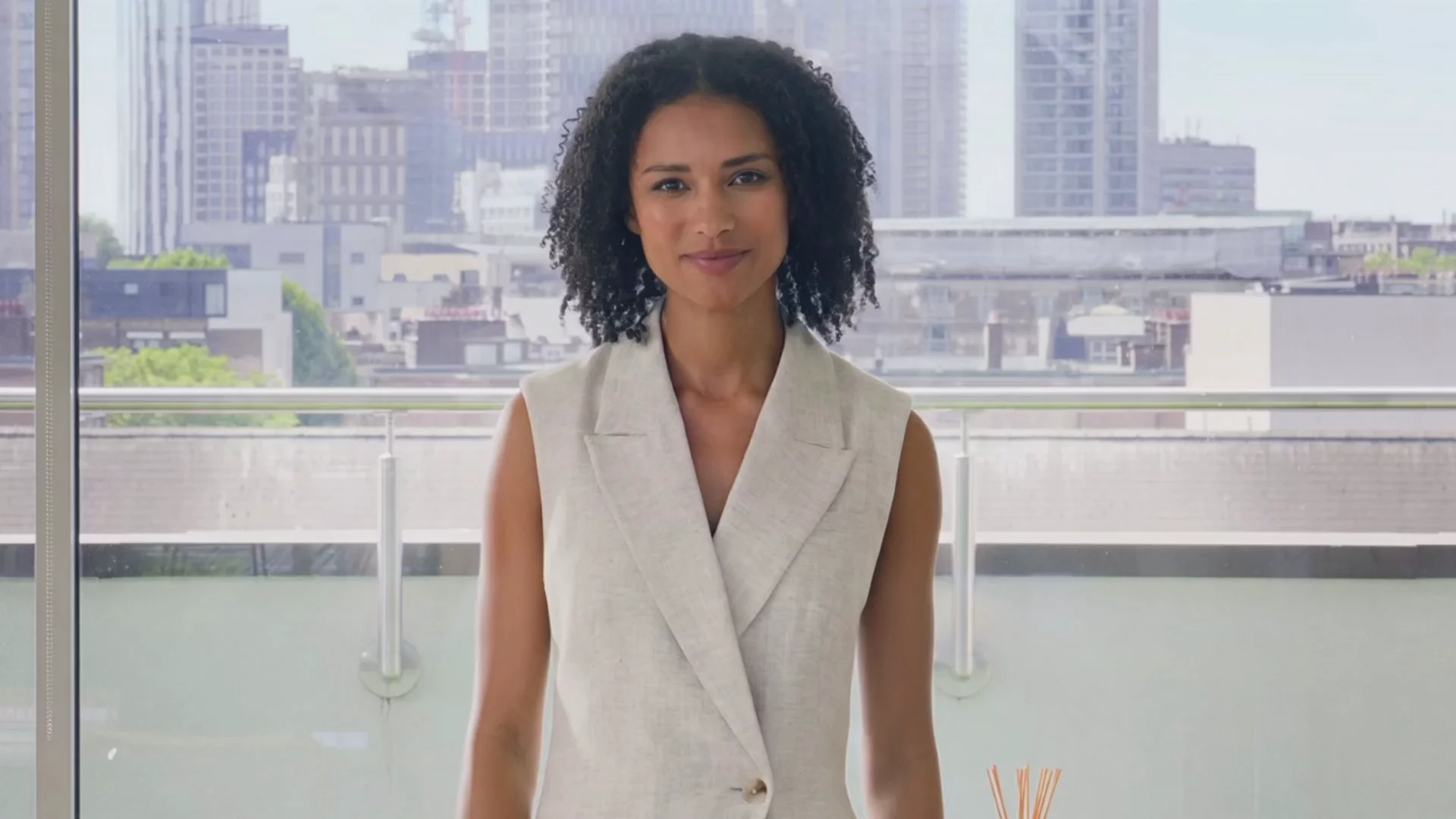
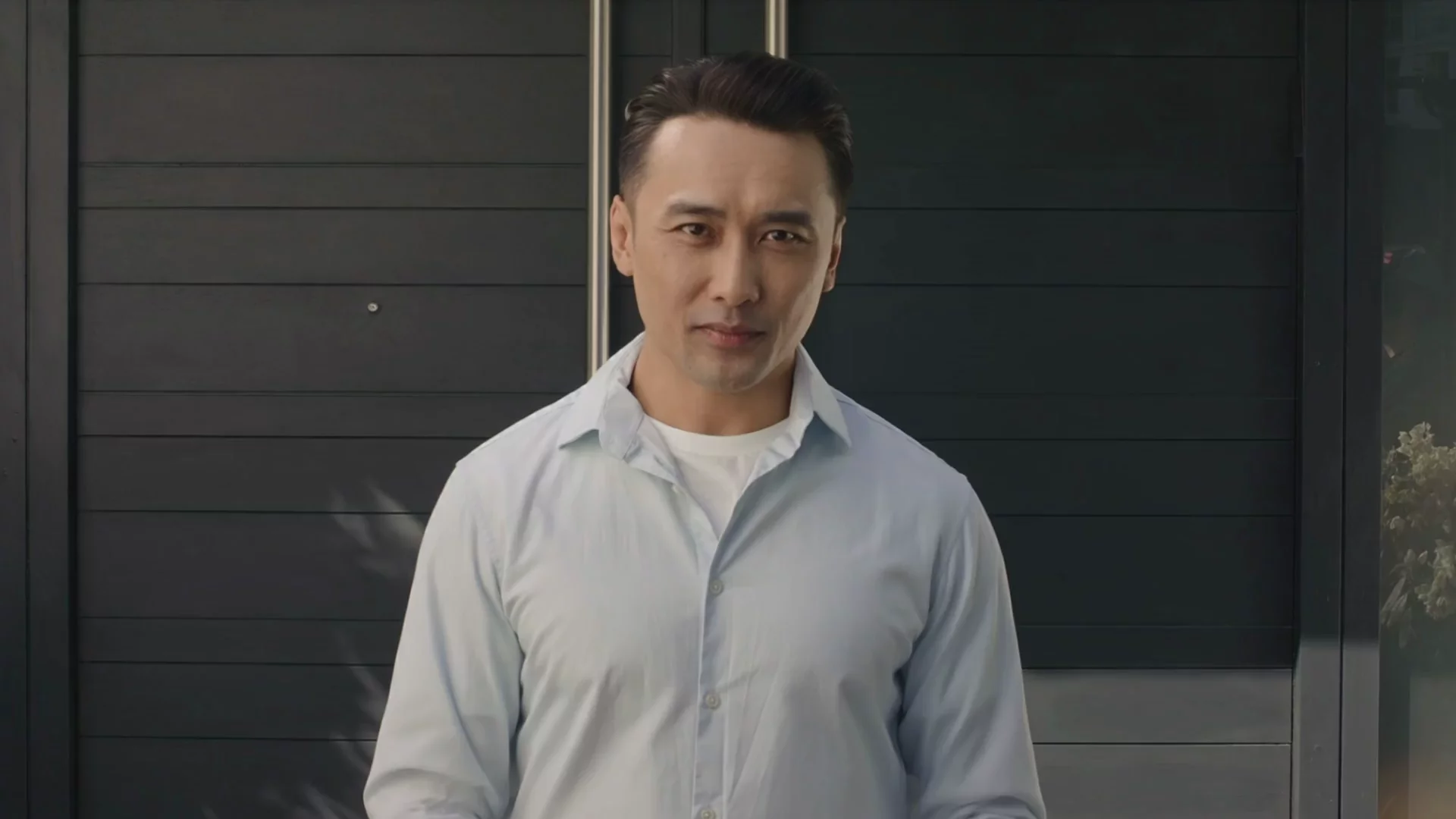
- Transform French text into presenter-led videos in minutes
- Choose from 240+ avatars to suit your audience
- Create videos without filming, recording, or editing
French AI voices for any use case

Education
Create clear French voiceovers for lessons, courses, and learning materials. Help learners understand and retain information with consistent, high-quality audio.

Training
Build French-language training content for onboarding and internal programmes. Keep materials up to date and deliver a consistent experience across teams.

Marketing
Produce French voiceovers for ads, product videos, and campaigns. Localise your content for French-speaking audiences and scale production without external resources.
How to create French AI voiceovers in your own voice
Create your account
To clone your voice and use it for French voiceovers, you’ll need a Synthesia Enterprise plan.
Record your voice
Find a quiet spot, open the “Voices” tab, select “New voice,” and follow the on-screen steps to record (or upload) your audio and complete the consent step.
Create French voiceovers with your AI voice
Select French, choose your custom voice, and generate a French voiceover from your script—then use it in your Synthesia videos.


Explore our range of AI voices


Save time and reduce cost with AI voice generation


Faster video creation
"Synthesia’s AI voiceovers sold me instantly. They give us the ability to pivot and create video content much faster than before"

No actors - no costs
"Relying on external agencies and hiring voiceover actors in multiple language was extremely costly. So it would either mean stretching the budget or no video at all."

Speed, simplicity and ease
"We can record anytime and anywhere with greater speed, simplicity, and ease. It not only optimizes work schedules but also increases productivity and benefits the quality of our educational materials."

Frequently asked questions about AI voice generation
What is a French AI voice generator?
A French AI voice generator is a text-to-speech tool that converts written French into natural-sounding speech. It allows you to create voiceovers quickly without recording audio manually.
How does an AI voice generator work?
AI voice generators use advanced text-to-speech (TTS) models trained on human speech. You input your script, choose a voice, and the AI converts your text into realistic audio, capturing pronunciation, pacing, and tone automatically.
How do I create an AI voiceover?
Type or paste your text into the editor, choose your AI voice, and generate your audio in seconds. Download your file and use it anywhere you need.
Is Synthesia’s AI voice generator free to use?
Yes, you can try Synthesia’s AI voice generator for free. Paid plans unlock additional features like more voices, longer scripts, and advanced customization options.
Can I use the audio generated by Synthesia’s AI voice generator for commercial purposes?
Yes, you can use the generated audio for commercial purposes, including marketing, training, and content creation, as long as it complies with Synthesia’s terms of service.
How do I convert my script into an AI video?
Simply paste your script into Synthesia, choose an AI voice and avatar, and generate your video. Your voiceover will be automatically synced with the avatar, creating a professional video in minutes.
What languages does Synthesia support?
Synthesia supports 160+ languages and accents, allowing you to create voiceovers for global audiences and localise your content easily.
Can I make an AI of my own voice?
Yes! You can create your own AI voice using Synthesia’s built-in voice cloning feature. Your voice will appear in your account and can be used across videos and voiceovers, helping you create content that sounds uniquely like you at scale.
More than a French text-to-speech tool
Beyond turning text into realistic AI voices, Synthesia helps you scale production with powerful tools like the AI script generator, AI dubbing that perfectly translates and lip-syncs your video content in 130+ languages and accents, and a library of professional video templates designed for training, marketing, and more.Need to convert a slide deck into a video? Use our PPT to video tool to save hours of editing. Synthesia has everything you need to create professional videos at scale all in one place.


