
Free AI Presentation Maker
Generate engaging AI presentations from a prompt, file, or webpage.

Choose your input method and let AI create your presentation.
0/500 characters
Please try a different idea!
Need inspiration? Try one of these ideas




0/1500 characters
Please try a different script!
Need inspiration? Try one of these ideas
With it, staying connected with your clients becomes effortless and consistent. Let me explain. We automatically schedule and personalize messages whenever you log an interaction.
Calls, meetings… every touchpoint counts! Now no lead goes unnoticed!
Join Connectly today and turn your everyday conversations into lasting relationships.
First, why we're here: we turn big ideas into simple, helpful products always for the customer.
On day one, just focus on three things: Meet your squad. Slack, wave, or say hi in person. Set up your tools. Email, chat, and our project hub.
Pick a tiny task and ship it. Nothing builds confidence like a quick win.
We are so glad you are here. Ping your buddy or me if you have any questions. That's it. Let's make awesome stuff together!
With Synergy Flow you can track tasks, analyze performance, collaborate in real-time.
Let's look at our plans: We have Pro plan for small teams and startups. Also — we have Pro plus plan for growing companies.
And enterprise for those companies that need robust security. If you can't find the right plan, let us know.
Strong password is key to your security. Make it at least 12 characters, and use a mix of uppercase, lowercase, numbers, and symbols. Avoid common words or names.
We don't recommend you to use same passwords for work and personal accounts. Also always use multi-factor authentication to avoid extra risks.
Stay cautious, never share your password and don't hesitate to ask questions. That's it for today. Thanks for watching.
Paste a link to a public article or blog post you have permission to use and we’ll turn it into a video.
Pages with over 4,500 words will be rejected.
We don’t support this type of link. Try a public article or blog post instead.
Upload a text-based document to create your video.
Choose a file
PPTX, PDF, DOCX, TXT (max 50MB)
Thumbnail name
Thumbnail name
Upload error
By using this service, you confirm that you have all necessary rights, licenses, and permissions to upload or generate content, and that your use of any generated videos will comply with the Acceptable Use Policy and applicable regulations related to intellectual property and data privacy.






AI presentation maker that goes beyond slides
Generate complete presentations with script, visuals, and delivery built in.

Create presentations from any input
Turn an idea, doc, or URL into a complete presentation in minutes.
- Generate slides, script, and visuals from a prompt
- Upload a PPTX, PDF, or doc and convert it instantly
- Start with templates for training, sales, and onboarding

Present without recording


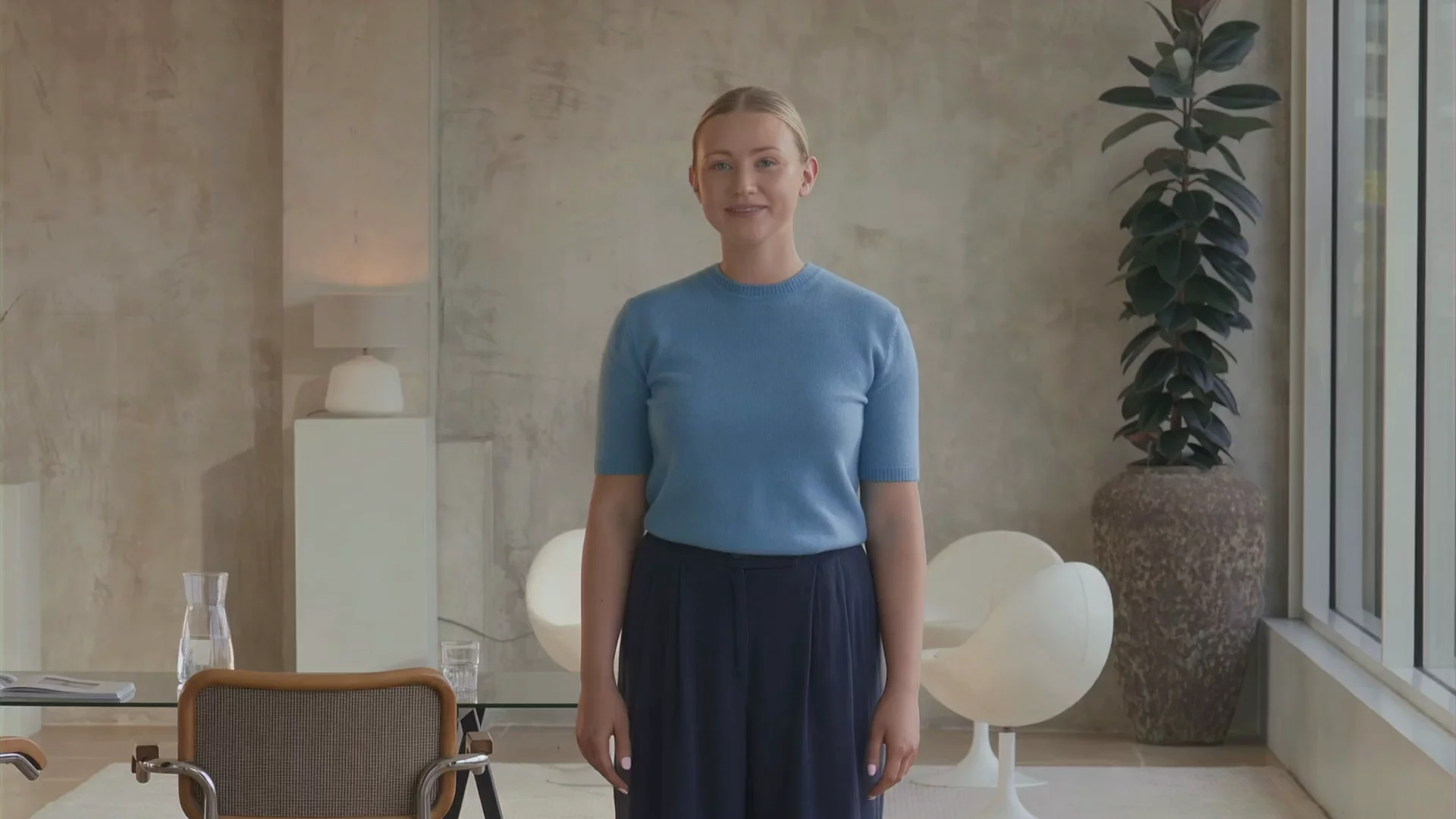
Add a presenter and voiceover without stepping on camera.
- Choose from 240+ avatars or create your own
- Generate natural voiceovers in 160+ languages
- Keep delivery consistent across every presentation

Edit in a familiar, slide-based editor
.webp)
Make changes fast with a familiar, slide-based editor.
- Update text, visuals, and timing in seconds
- Apply your Brand Kit across every slide
- Collaborate and comment with your team

Share presentations at scale
Create once and share presentations anywhere, in any language.
- Translate presentations into 160+ languages
- Share with a link or embed anywhere
- Keep content up to date without re-recording
How to create an AI presentation
Start with a prompt or file
Describe your topic or upload a file to generate a complete presentation with AI.
Get a ready-to-present draft
We create your script, visuals, and presenter in seconds.
Edit and brand your presentation
Update content, apply your Brand Kit, and adjust timing in one place.
Share anywhere
Share with a link, embed, or export your presentation in minutes.


Why AI presentations work better as video, not slides
Create AI presentations that are easier to follow, remember, and watch from start to finish.

People remember more
People remember more when information is presented with visuals and voice. Combining both improves memory and recall.
Explain complex ideas faster
People learn better when information is both seen and heard. Breaking information into short, guided visuals with narration improves understanding and reduces cognitive load.
Keep attention from start to finish
Video with an on screen presenter holds attention longer than static slides. A clear voice and visuals guide viewers through your message without drop-off.
Start your AI presentation with a template


Effective Communication

Understanding Your Bill
Welcome To BankScout
Phishing 101

Value Selling Fundamentals

Embracing Smart Tools

What makes a great AI presentation tool?
The best tools don’t just create slides. They help you deliver presentations that are clear, consistent, and easy to share at scale.

Clear delivery
Presentations should combine visuals and voice to guide your message and improve understanding.

Built-in presenter
Presentations should include a presenter to explain ideas, highlight key points, and connect with your audience.

Easy to share and replay
Presentations should be simple to share, watch anytime, and revisit to reinforce key points.

Fast to create and update
Presentations should be fast to create from prompts, docs, or files, and easy to update anytime.
Create and manage presentations in one place

Interactivity
Add quizzes, CTAs, and branching scenarios to make your presentations 10x more engaging.

Live collaboration
Work with your team in real time. Comment, edit, and review in one shared workspace.

Brand Kit
Apply your logos, colors, and fonts to keep every slide consistent.

AI Playground
Generate custom visuals and scenes for your presentations using the latest models, all in one place.

Analytics
Track views, engagement, and completion to understand how your presentations perform.

Why teams choose Synthesia

"What used to take 4 hours now takes 30 minutes."


“It's enterprise-ready and makes video creation easy.”


"180 videos. 5 languages. 0 hassle."


“We push updates without touching the LMS.”


“Updating 10,000 courses? Totally doable now.”


“Interactive video is redefining training for us”


“50% faster content. Without sacrificing quality”


"We saved $56K and hit 100+ custom videos."


"Teams adopt it fast and use it across the company."


“We make videos fast and use them every day.”

Rated 4.7/5 from 2,000+ reviews





Common AI presentation questions
What is the best AI presentation maker?
The best AI presentation maker should create a complete presentation you can actually use, not just generate slides.
Synthesia does this by turning a prompt, document, or existing deck into a full presentation with a structured script, matched visuals, and a presenter that delivers your message. Each part is editable, so you can update content, adjust timing, and keep presentations consistent without re-recording.
This helps teams create presentations faster, keep them consistent, and share them across any audience.
Is Synthesia's AI presentation maker free?
Yes. You can start using Synthesia for free and create your first presentations without any upfront cost.
If you need more usage, advanced features, or team access, you can move to a paid plan at any time.
Can I create a presentation from text or a prompt?
Yes. Enter a prompt or upload a document, and the tool generates a full presentation with a clear structure.
Each section becomes a scene with its own script, visuals, and timing. You can then edit the script directly, swap visuals, and adjust how each scene is delivered.
Can I convert PowerPoint to a video presentation?
Yes. Use our PowerPoint to video tool by uploading your .pptx file to import editable text, shapes, images, and videos. You can also bring in speaker notes as your script, then add buttons, branching, and quiz elements in Synthesia.
Can I edit the AI-generated presentation?
Yes. Every part of the presentation is editable.
You can rewrite the script, change visuals, adjust timing, update branding, or swap the presenter. Changes apply instantly, so you can keep refining the presentation without starting over.
Can I download my AI generated presentation?
Yes. You can download the final presentation or share it with a link.
Downloaded versions can be used for offline viewing or distribution, while links let others watch it in their browser. You can also update the presentation after sharing without sending a new file.
What file types and size limits are supported?
You can upload .ppt, .pptx, .pdf, .doc, .docx, and .txt files up to 50MB. For direct PowerPoint import, Synthesia supports .pptx files up to 1GB and 150 slides.
What's the difference between an AI slide maker and an AI presentation maker?
AI slide makers generate static slides. An AI presentation maker creates a complete presentation with visuals, voice, and delivery, so your message is easier to follow and remember.
Can ChatGPT create AI presentations?
ChatGPT can help write outlines or scripts, but it doesn’t turn them into full presentations.
You would still need to design slides, add visuals, and record delivery. An AI presentation maker takes that content and turns it into a complete, ready-to-watch presentation with visuals, voice, and structure.
Not just an AI presentation maker
Create, localize, and manage video in one place. Turn a prompt, PDF, or PowerPoint to video in minutes, then update and reuse content without re-recording.
Generate video presentations, translate videos into 160+ languages, and use digital avatars to deliver your message clearly. Keep content consistent across your team, publish anywhere, and track performance.
Synthesia is one platform to create, localize, manage, and scale video across your business.
Discover more


Try Synthesia with a free video.
Simply type in text and get a free video with an AI avatar in a few clicks. No signup or credit card required.
